

Password Protected Plugin
 |
Password Protected Plugin
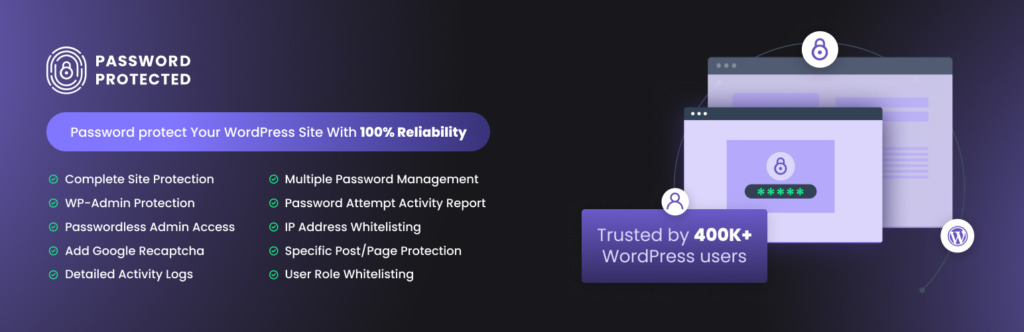
A strong option for locking down a WordPress site is the Password Protected plugin, which lets you secure your entire site, individual pages, posts, categories, WooCommerce products, or even partial content. It’s a lightweight, widely used solution that adds flexible access control without complex setup.
What The “Password Protected” Plugin Does
- Protect the entire WordPress site behind a single password.
- Lock individual posts, pages, or categories, including WooCommerce categories and products.
- Secure partial content using shortcodes.
- Add brute‑force protection with login‑attempt limits.
- Protect the wp‑admin login page for an extra security layer.
Why Use It?
- Useful for private sites, internal company portals, staging sites, or personal journals.
- Helps control access during development or when sharing sensitive content.
- Works alongside WordPress’s built‑in password protection, but offers far more flexibility.
Alternatives & Additional Methods
If you need different levels of control, WordPress also supports:
- Built‑in password protection for individual posts/pages.
- Server‑level protection (e.g., via .htaccess).
- Other plugins that offer site‑wide or partial protection.
Free Ways To Protect Your Entire Site
You can also password‑protect your whole WordPress site for free using simple configuration steps—no coding required. This is often used for private family sites, employee‑only portals, or personal databases.Commercial plugin: This plugin is free but offers additional paid commercial upgrades or support.
“Password Protected” — Lock Entire Site, Pages, Posts, Categories, and Partial Content” is open source software.